How to add an image via Marketing Hub
CMS and the HOYA Marketing Hub are connected. With the following steps you can select an image from the Marketing Hub:
1. Press where it says Image .
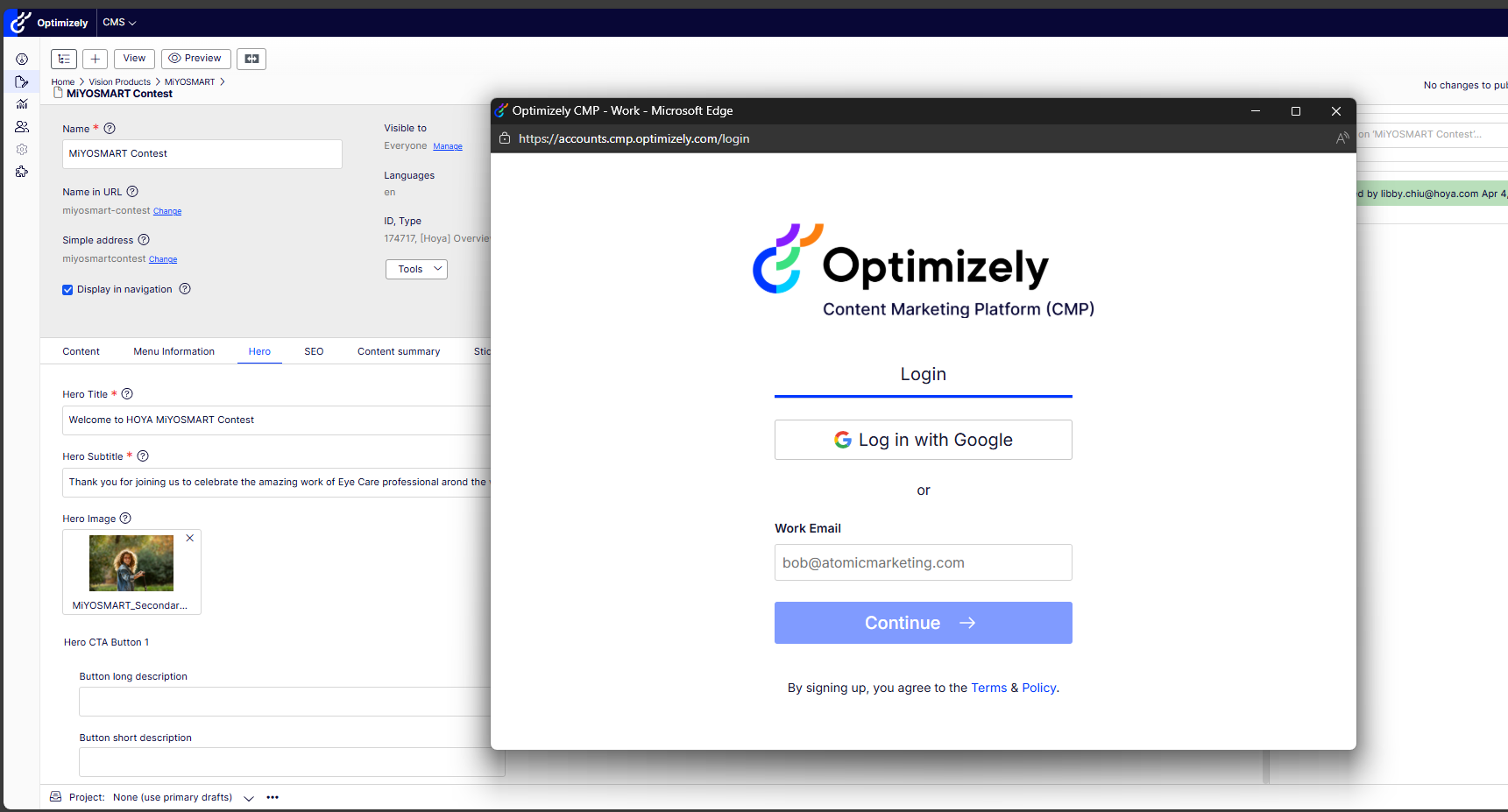
2. It is going to automatically redirect you log in into Marketing Hub.
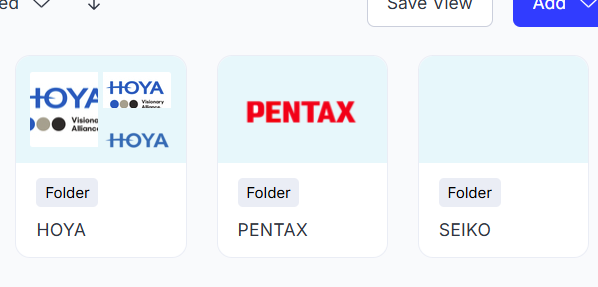
3. Look for the brand that you need (HOYA, Seiko, Pentax)
4. After you pressed the Marketing Hub button you have reached the main page. You can use the Search bar to look for a specific term or document.
*Make sure not to select a TIF image as they are not suitable for web. Use .jpg or .png instead.
5. You pick the brand you are looking for( can be found on page 3 of the Marketing Hub).
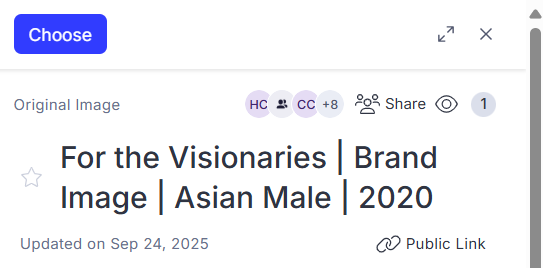
6. Once you chose the image you would like to add , press the button on top of the open image "Choose" and it will automatically add itself to your CMS page.
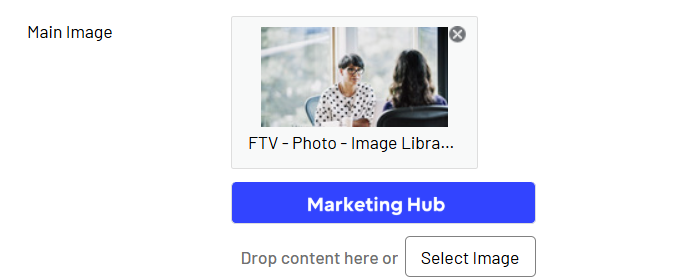
7. In case you chose the wrong image , once it appears on your CMS page you can press the '' X " and it will remove itself.
If you do not have access to our new Marketing Hub feel free to ticket us and we will provide you the access. Link: Submit a ticket : Global Digital Ecosystem