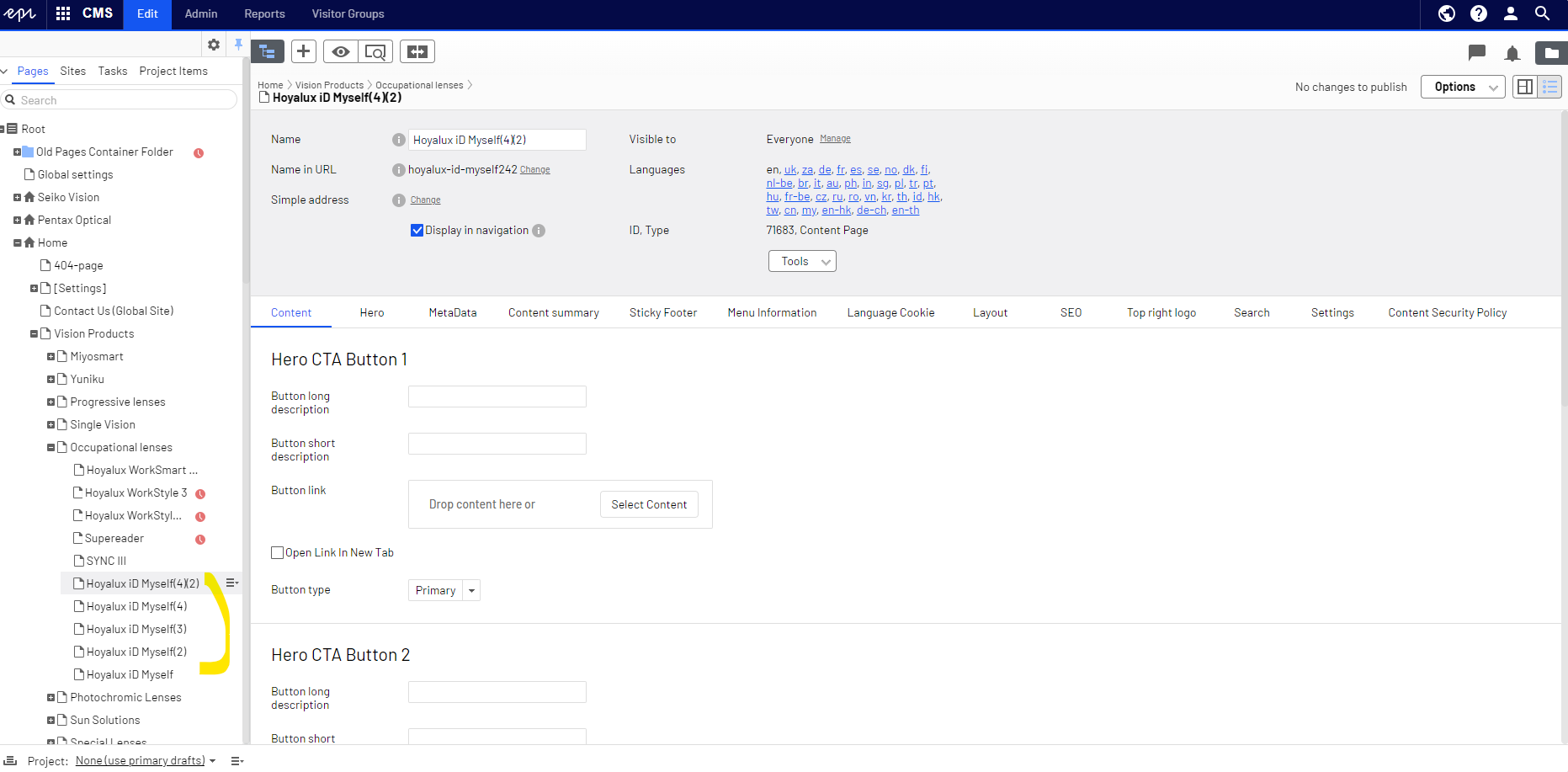
Search bar
It enables users to find what users need quickly and significantly improves navigation and user engagement by providing an efficient and convenient way to access information.
- Search icon displays on navigation bar
- Search page
- Search not found page
-
How to activate the feature?
1. Please reach out to Libby C. via the ticketing system to set and schedule an activation time.
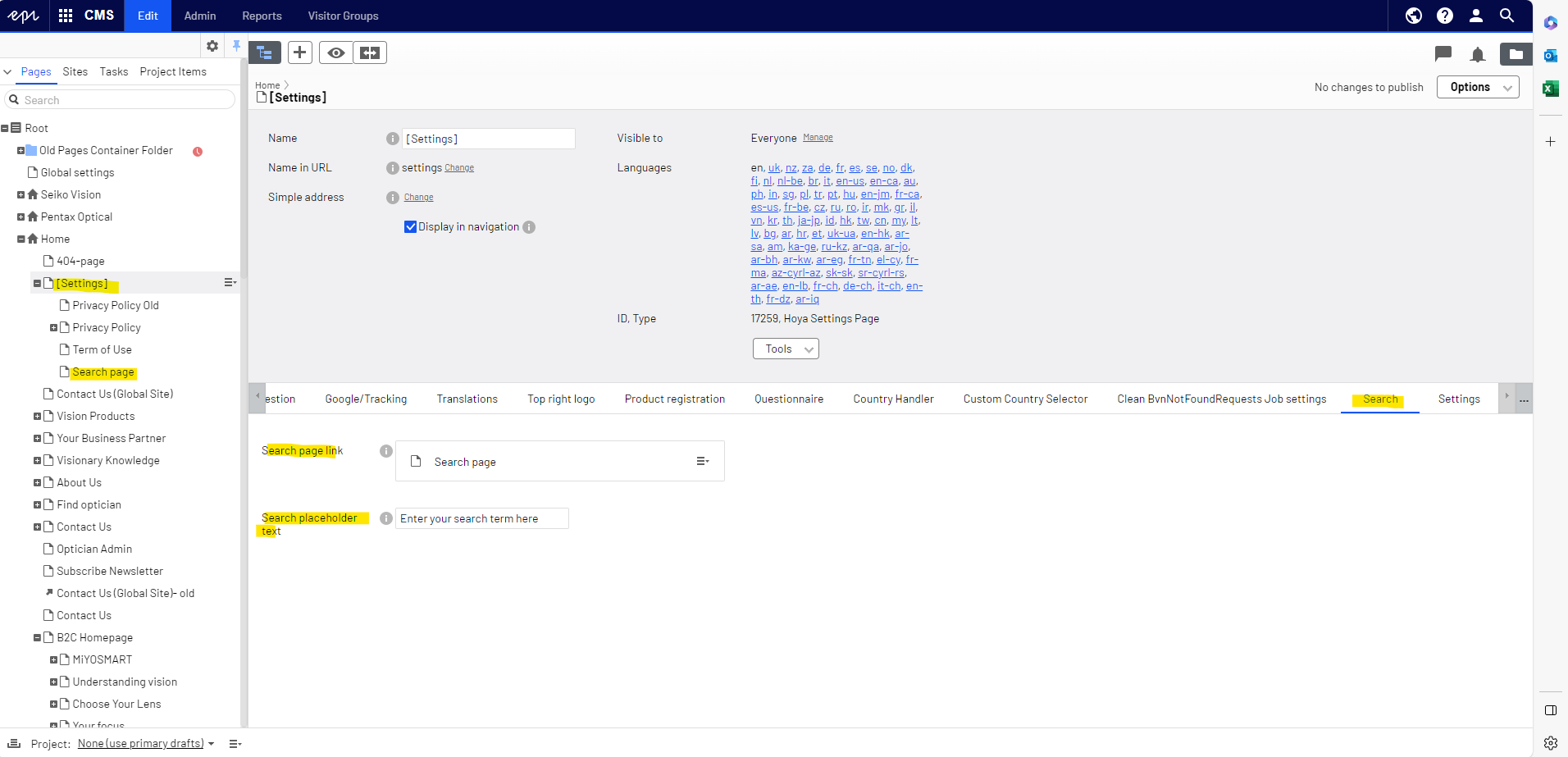
2. Once the search page is set up on Episerver by Libby, you can view the setup under setting folder with an additional search page created. Search placeholder text can be edited here.
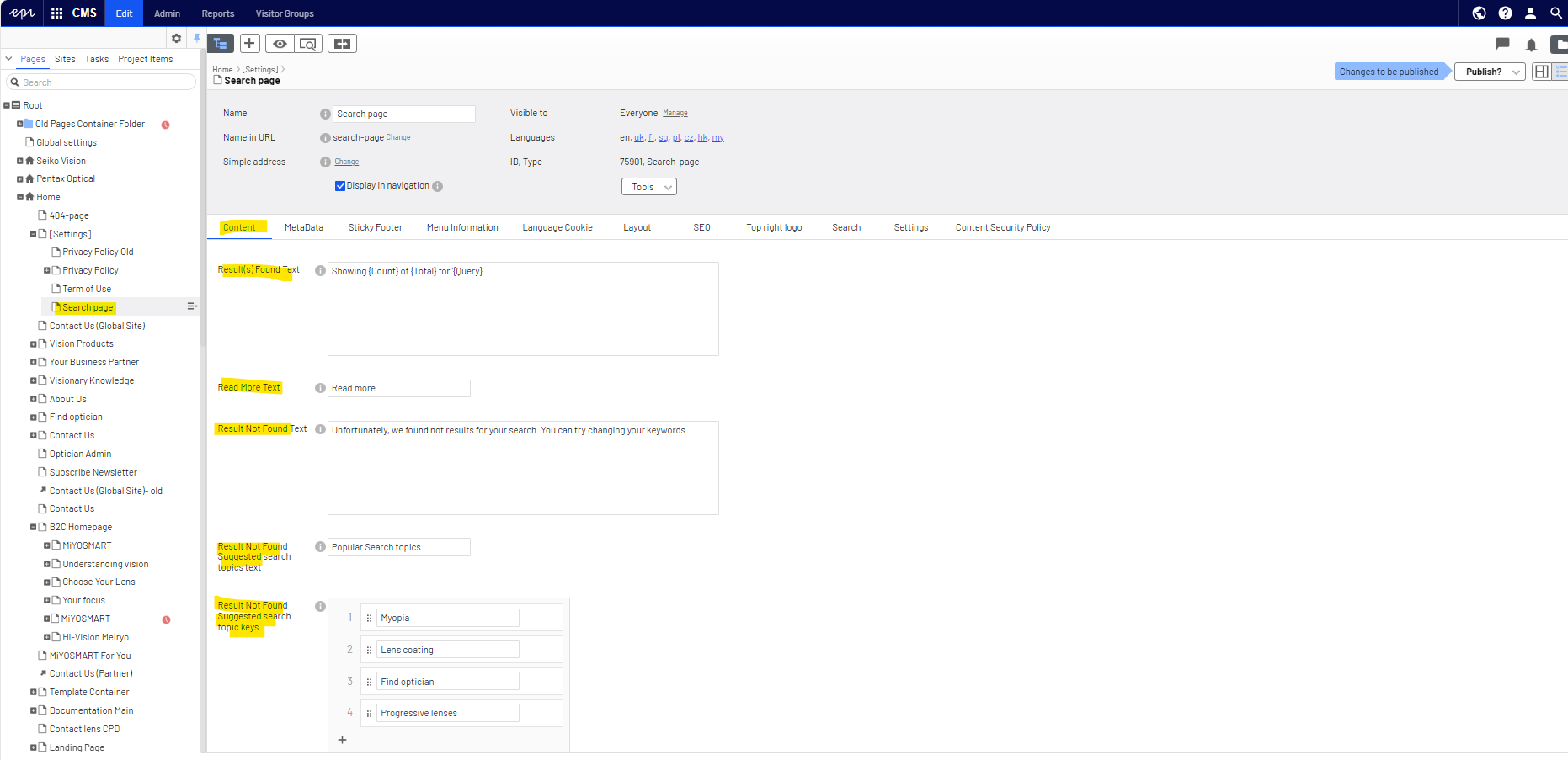
3. An additional search page is where you can edit/translate the following feilds in your local language.
A. Result(s) Found Text: Showing {Count} of {Total} for '{Query}' -> Avaliable variables- {Count}, {Total} and {Query}. Please do not translate
B. Read More Text: Read more
C. Result Not Found Text: Unfortunately, we found not results for your search. You can try changing your keywords.
D. Result Not Found Suggested search topics text: Popular Search topics
E. Result Not Found Suggested search topic keys: The keywords can be adapted based on your ongoing campaigns. It can be adapted accordingly.
4. Save and publish the page
- How to hide/exclude certain pages on search result index?
By default, the search index displays all pages created under HOYA website folders on Episerver. The Global Digital team has excluded 100@ unnecessary pages such as setting, 404-page and odsome If you wish to conceal specific pages, there are two methods available.
1. If the page is created locally (exclusive to your locale), a checkbox should be enabled under the search tab on the page. Do not forget to save and publish the chnages
For instance, as demonstrated with this page available only in English (global), the checkbox can be marked to ensure it is not included in the searchable content on the search result index.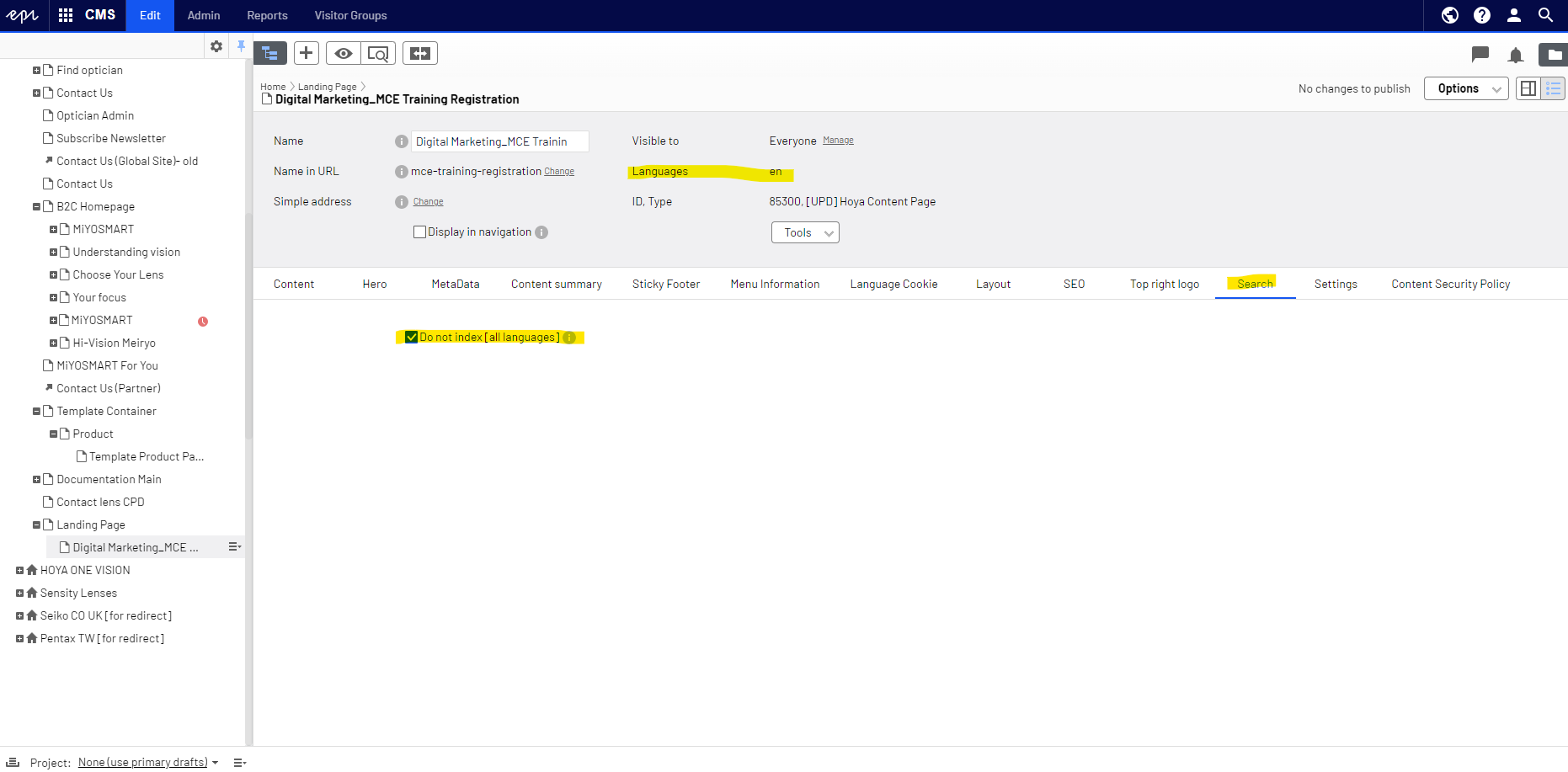
2. For pages created in multiple languages that are not required to be searchable in your locale, please set the page to expire. Refer to this article for guidance:How to take content offline