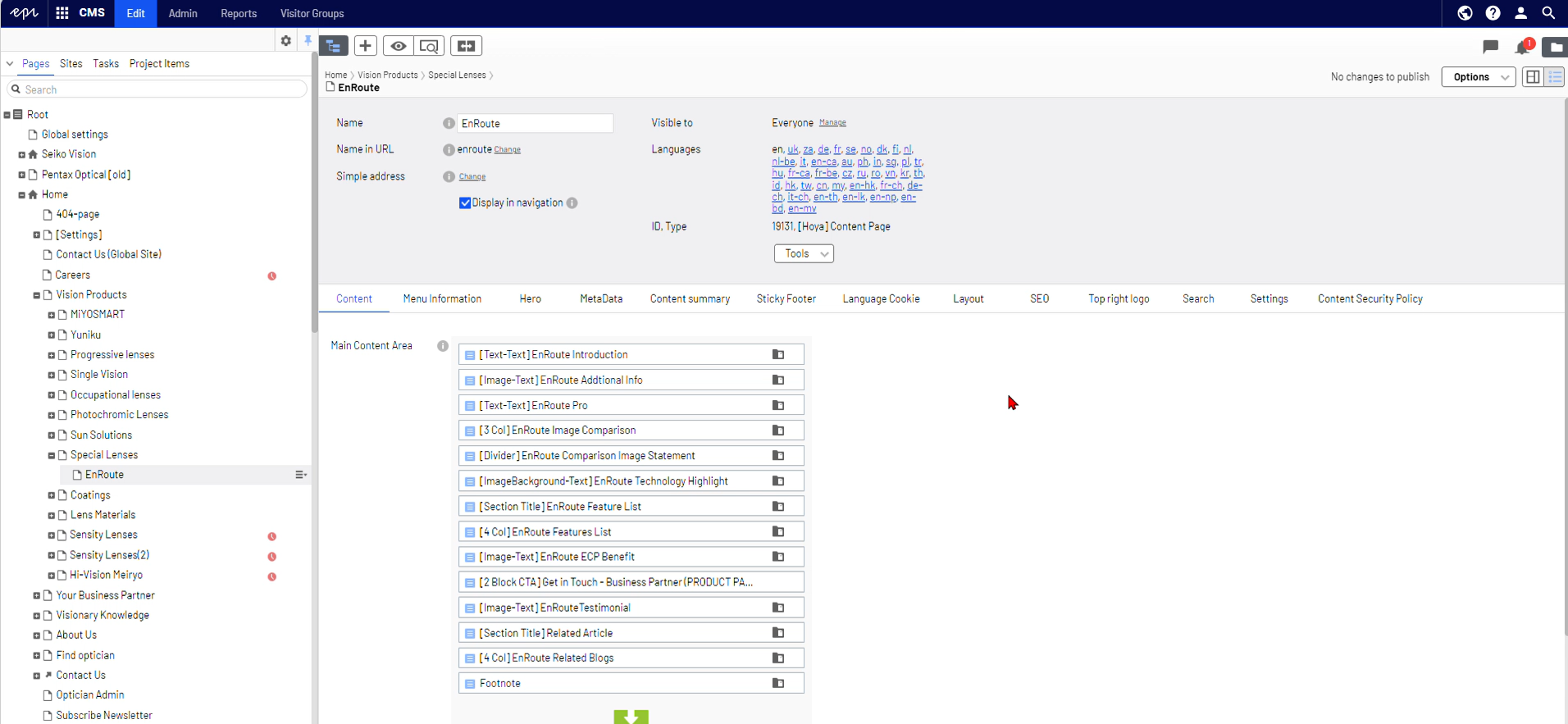
Adding an Existing Block from One Page to Another
When a block is created, it can be reused on multiple pages. To add an existing block from one page to another, follow these steps:
- Locate the Block: Find the block you want to reuse on the original page.
- Pin the Asset Panel: Open and pin the asset panel for easy access.
- Copy the Block ID: Copy the Block ID from the original page and paste it into the search bar on the asset panel. The block will appear in the search results.
- Navigate to the Destination Page: Go to the page where you want to place the block.
- Drag the Block to the Page: From the search results, drag the block onto the destination page.
For a visual walkthrough, please click the image to view the attached video: