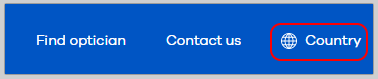
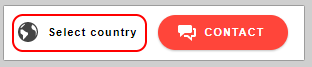
In Hoya, Seiko and Pentax in the top navigation there is a link to open the Location Selector layer:
(Nb: for political reasons we are now using the term "Location" and no longer "Country)
Hoya
Seiko

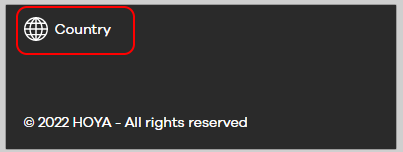
Pentax
For Hoya this link is also in the footer:
How to disable the link
1. Go to the CMS
2. Select the language site where to disable the country selector
3. Go to the StartPage in the tab: Menu Information, scroll down until the check-box: Hide Country Selector links and check it.
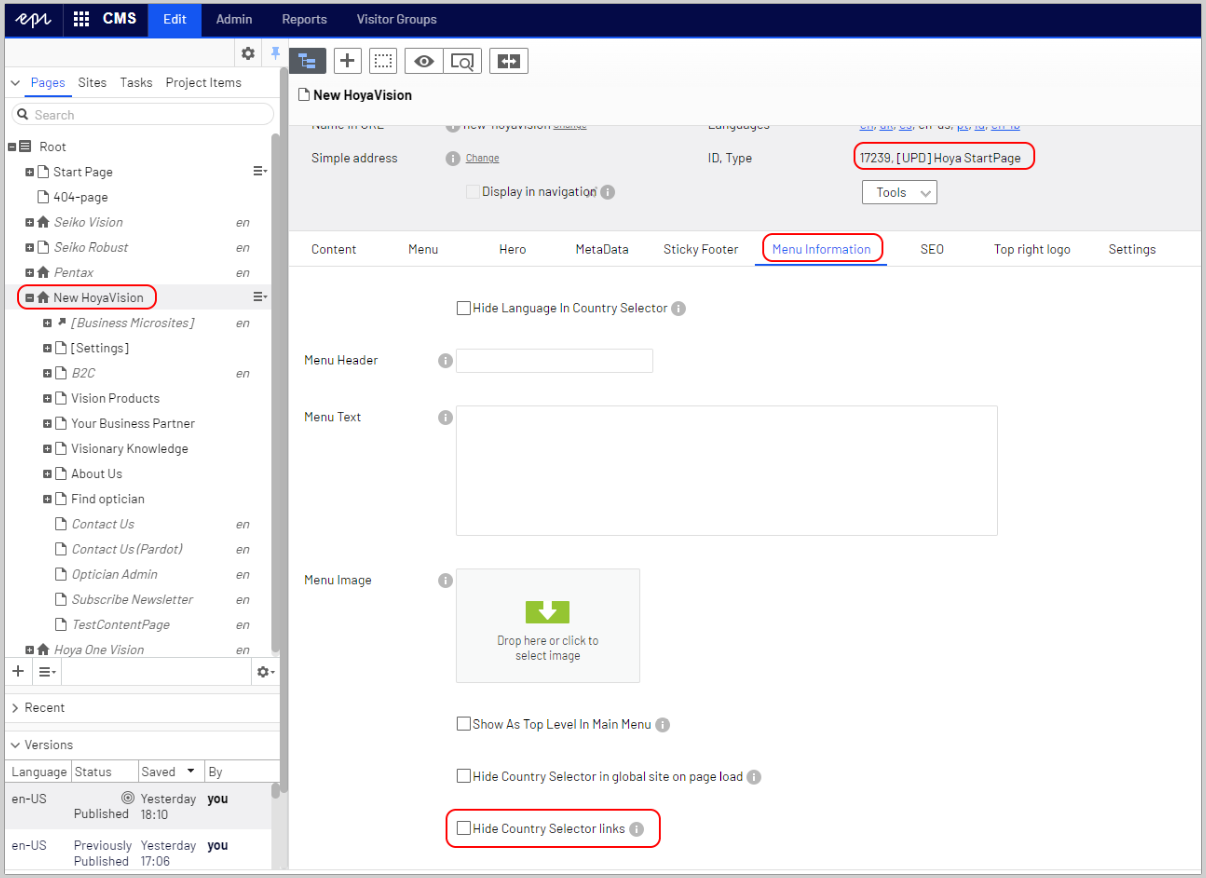
4. Publish the page
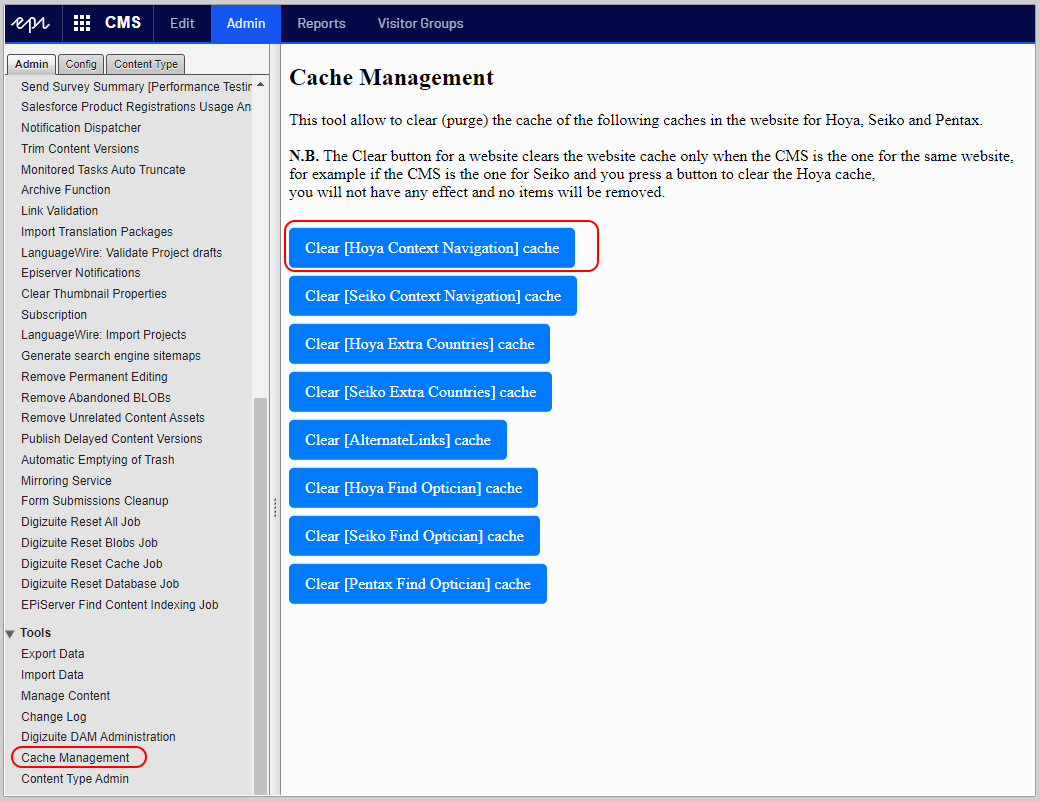
N.B. The change will not be applied immediately because there is a navigation cache created that expire after 10 minutes, if you what clear the cache immediately, you need to go in the Admin -> Cache Management -> Clear [Hoya Context Navigation] cache