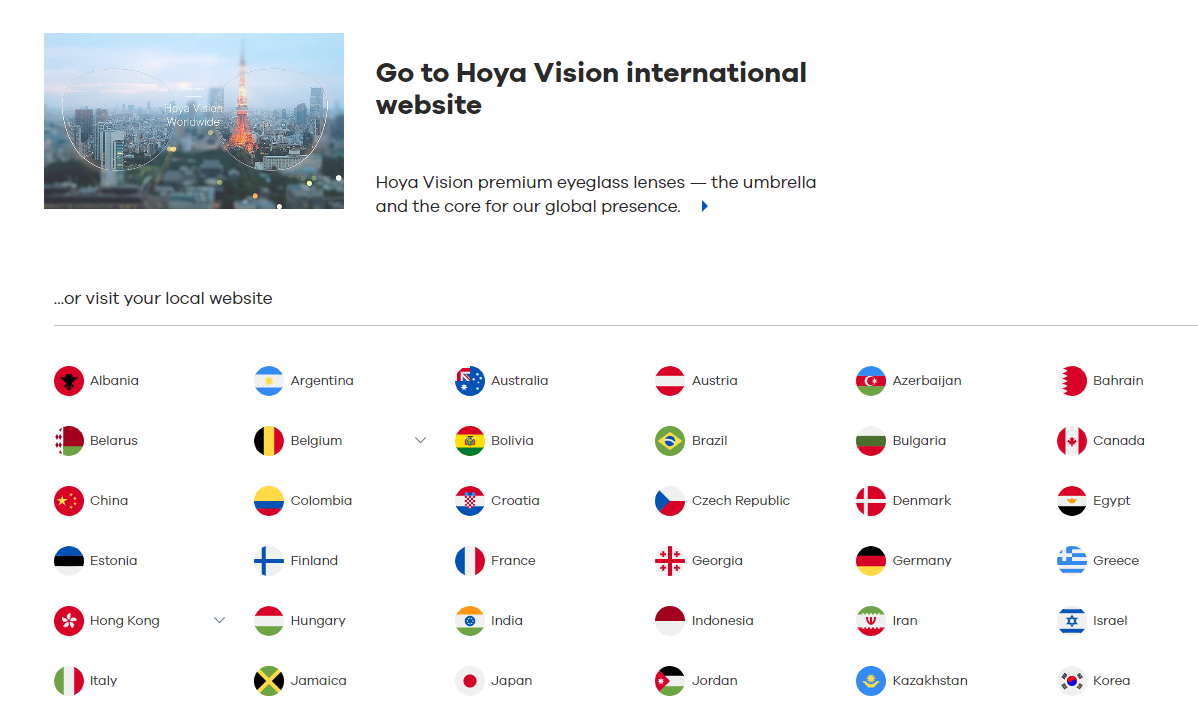
Nb: due to political reasons, we are using the word "Location" and no longer "country".
How do link the location selector
The location selector can be triggered by setting a #language-selector to a "Remaining URL".
To do so follow these steps:
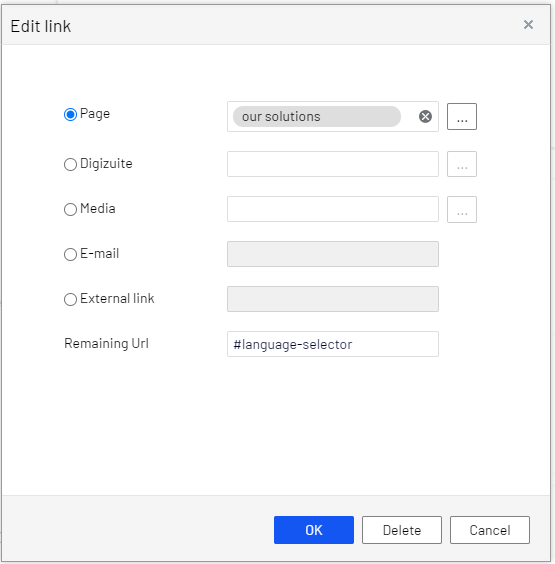
- open the "Edit link" dialog (see screenshot) from the component that you are editing **.
- Point the "page" to the page where the block is on
- Set the "Remaining URL" to #language-selector"
- Save and publish
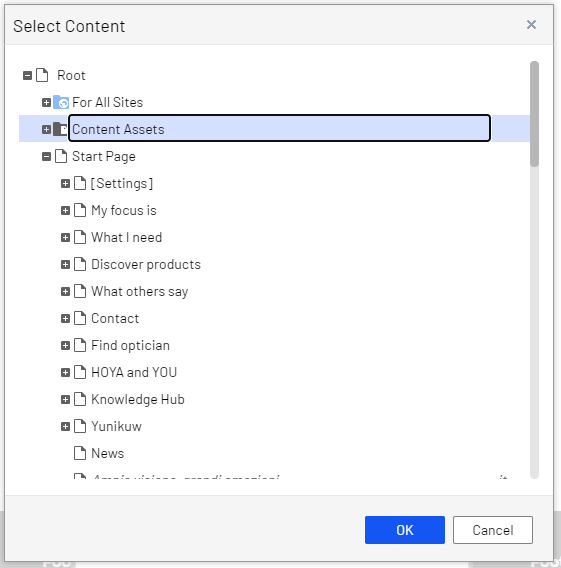
** In some cases a component only uses the 'select content' (see screenshot below) for setting a link, in that case its not possible to trigger the language-selector.