Originally, the main menu was loaded automatically by scanning the content tree for pages of type '[Seiko] Main Category'. This feature has turned out to be slow and problematic.
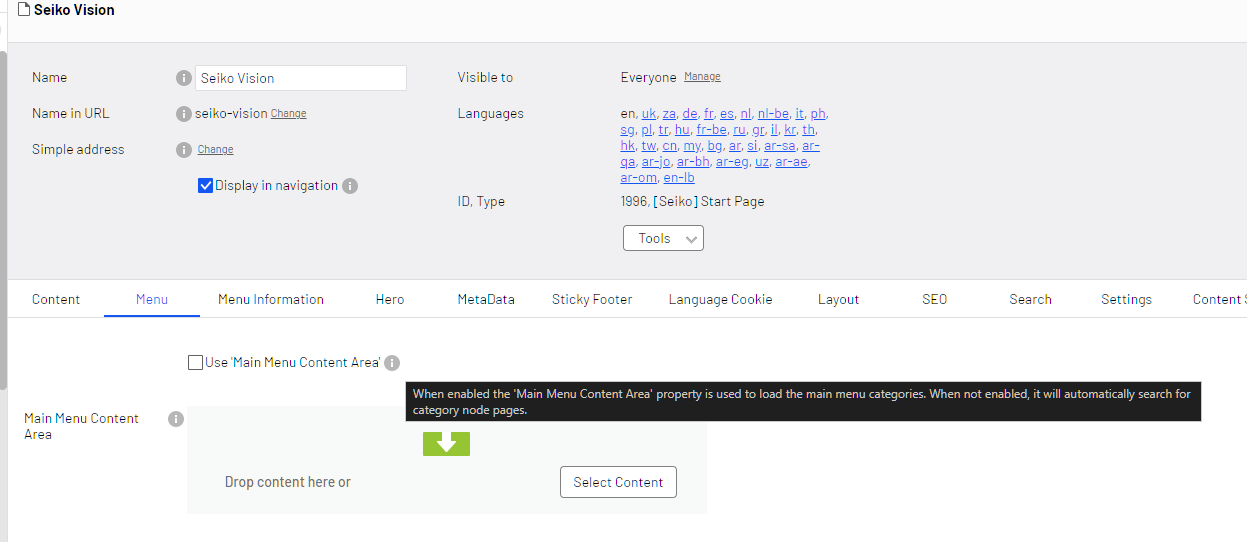
Thus, we have introduced two new settings in the CMS:
- Checkbox: Use 'Main Menu Content Area'
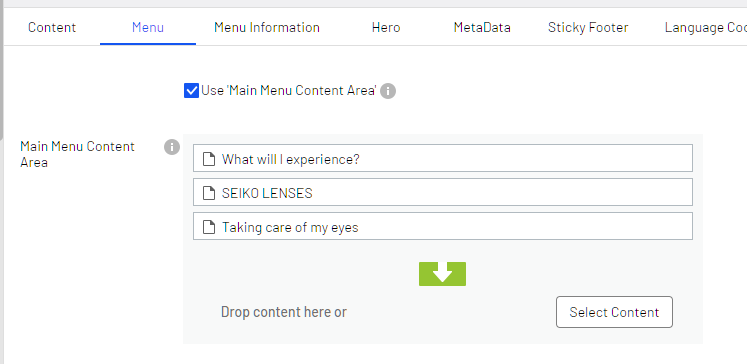
- Content Area: Main Menu Content Area
(this setting is technically not new, but it was not yet used on the SeikoVision website)
The checkbox allows for a smooth transition to this new feature after it has been deployed. If unchecked (default) it will load the main menu in the original way.
For example:
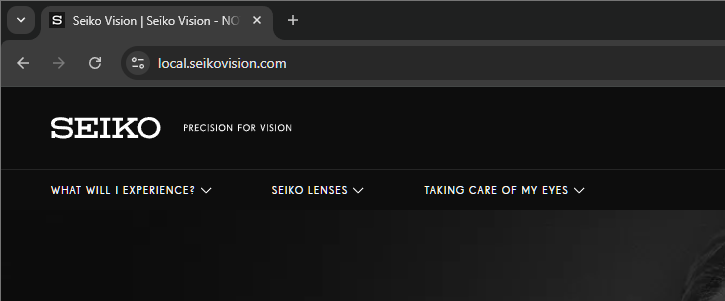
Results in:
Top level pages

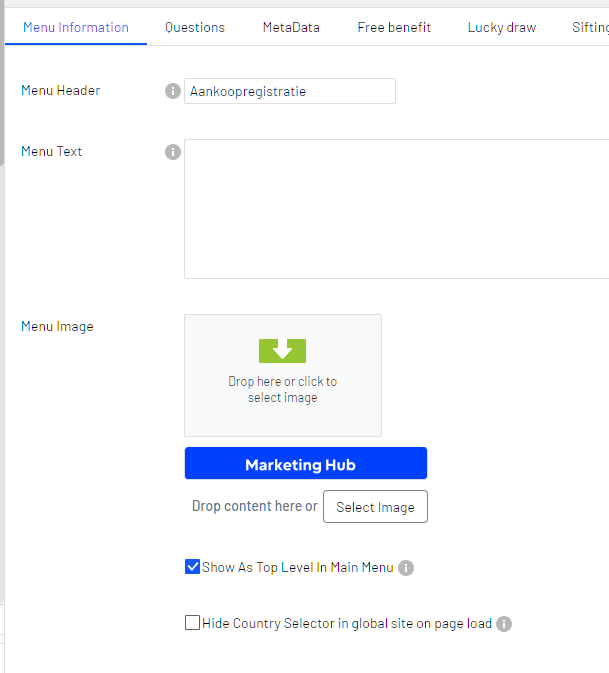
In order to add a top-level page, check 'Show As Top Level In Main Menu' in tab Menu Information: