On the Vision Products page, the Content list block is used to show a preview and link of the product detail pages. The hero image, page title and a text summary are shown. For example:

How to edit the text summary:
The text is located in on the main Vision Products page, in order to add the content list block or change it a "Content List [Product] " needs to be created and then the blocks can be edited.
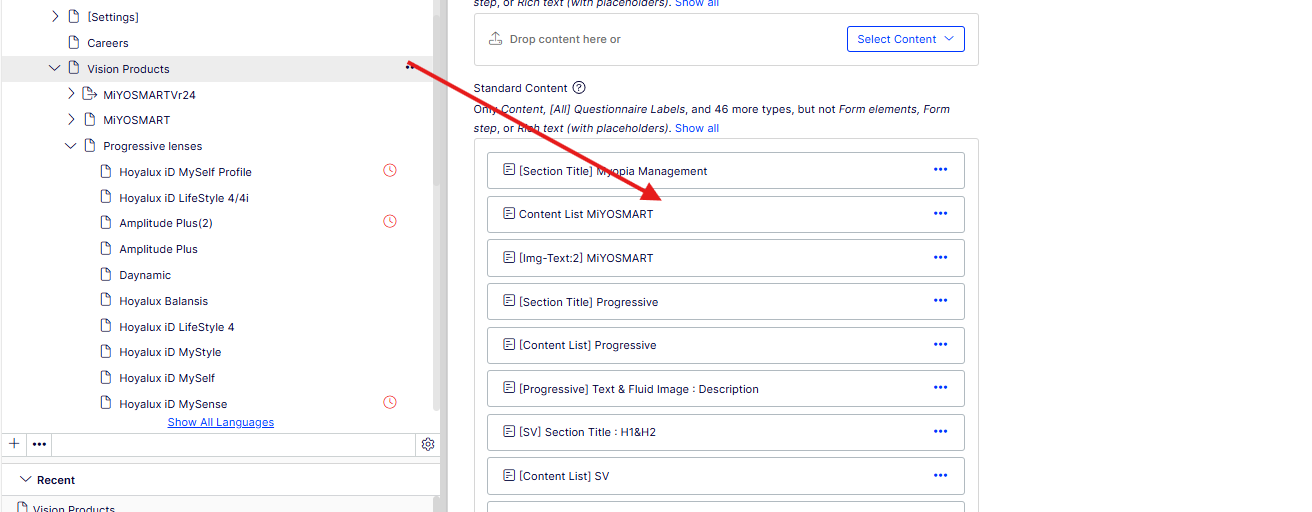
The text for the content can be edited here.
