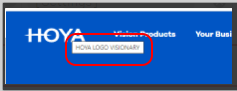
The alt title that appears when the cursor is positioned over the Hoya logo, is customizable for each language.
How to change:
In the CMS Hoya StartPage in the tab: Content has been added a new field: Logo Image Title.
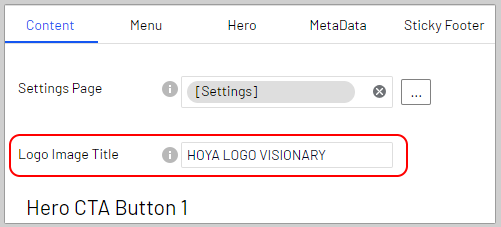
This field is the place where to type the title which will appear when the cursor is positioned over the Hoya logo.
N.B. Leaving this field empty means for Hoya that the system will use the default title: HOYA LOGO VISIONARY
P.S. This field has been added also on the Start Page for Seiko and Pentax and works the same.
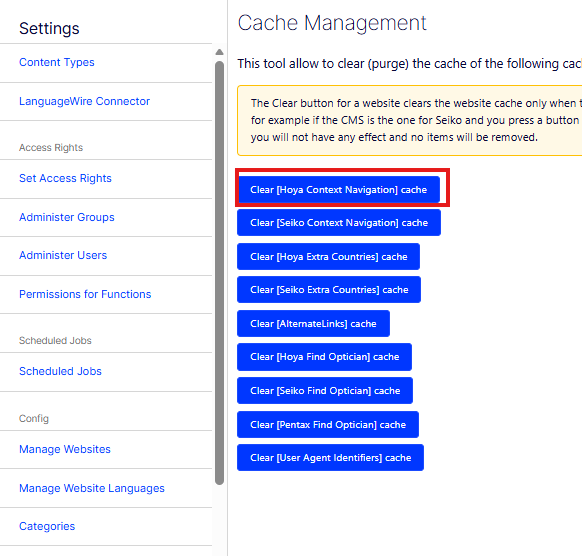
N.B. On Hoya the change will not applied immediately because the navigation is cached for 10 minutes, to force it use: CMS → Settings → Cache Management → Clear [Hoya Context Navigation] cache.