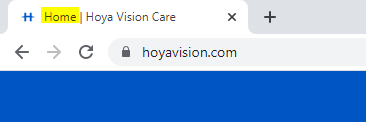
The page title is made up of two sections which can be customized, split by a static vertical bar symbol "|".
The first section ("Home") is dynamic for each page, while the second section contains the Site Name ("Hoya Vision Care") and is the same for every page on the website.
N.B. In case of Right to Left (RTL) language websites (Settings page → tab: Settings → check-box: Text Right To Left  ) the first section will be the Site Name and the second section will be the Page Title/Page Name.
1. First Section
This title has two options. If the first option has been filled out, this title will be used. If not, the second option's title will be displayed.
First Option: MetaTitle field
Open the page and the "MetaData" tab.
In this tab, you can add the Page title:
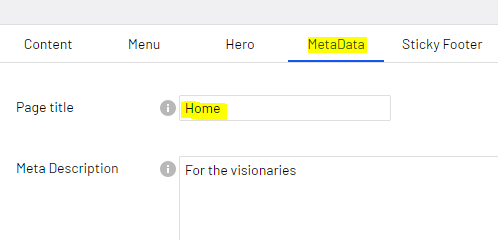
When this field is filled, it will be used it in the first section of the title (Home | Hoya Vision Care)
If this is not filled in...
Second Option: Page Name
If the MetaData -> Page Title field is empty, the page's Name will be displayed as page title:
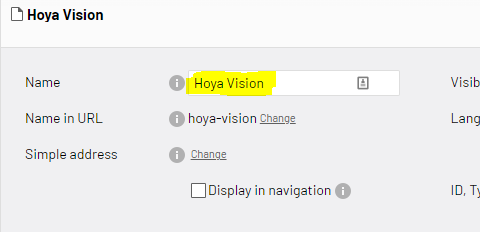
This field is always filled in by default, unlike the MetaData field.
2. Second Section
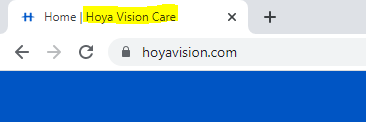
First Option: Site Name field
Open the Settings Page and the "Site/IP Selector" tab.
In this tab, you can add the Site Name:
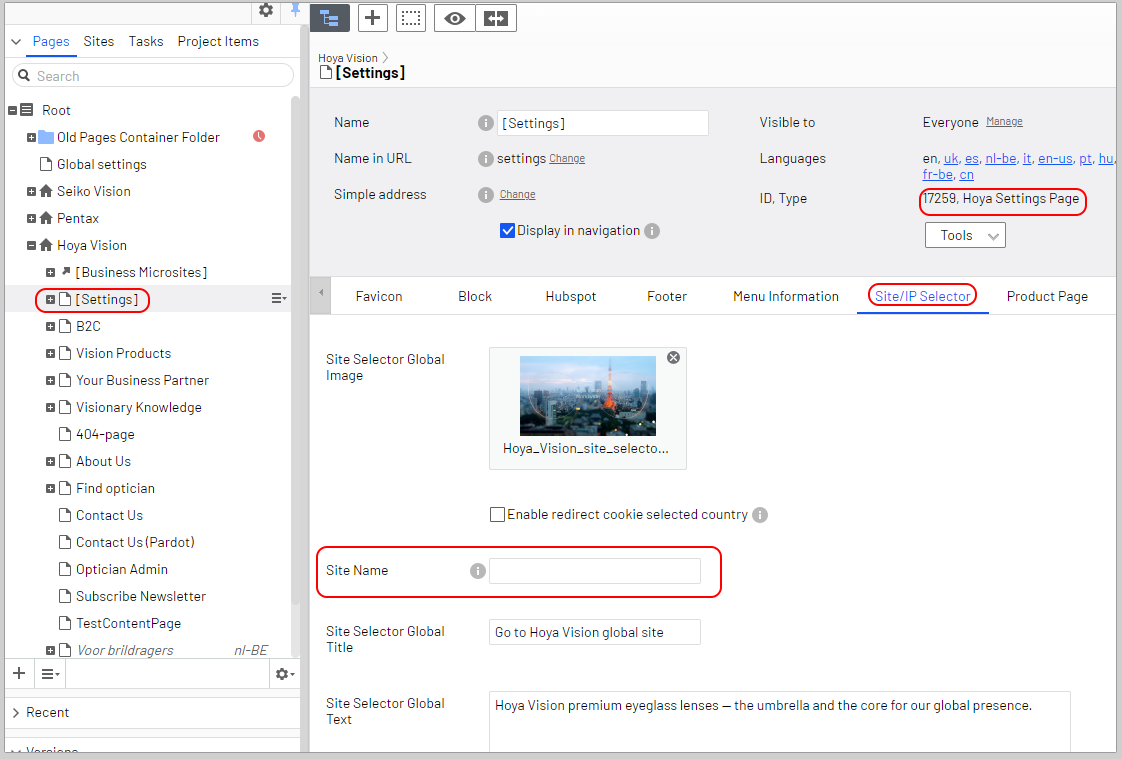
When this field is filled, it will be used it in the second section of the title (Home | Hoya Vision Care)
If this is not filled in...
Second Option: Site Name in the website configuration in the administration backend
If the Site/IP Selector -> Site Name field is empty, the site name defined in the EPiServer website configuration in the administration backend will be used.
Ask a DEVELOPER to change this value
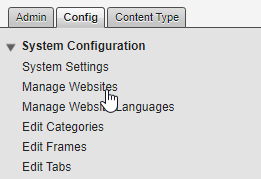
This is defined by the Site Name in the administration backend.
This contains extremely sensitive data required to have the site available.