This is usually the first step in finding the page which needs support or edits. There are two ways to be able to find a page in the CMS
Method 1
- Log in to Optimizely
- Open (or refresh) the page that needs support/edits
- Click the arrow next to the Optimizely logo and click "Edit Page"
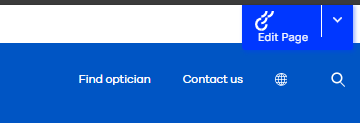
- You will now be taken to the page in the CMS.
Method 2
Let's use “https://www.hoyavision.com/discover-products/eye-care-professionals/special-lenses/” as an example URL.
First off, the URL represents the content tree structure. So for the example you could go to New Hoyavision -> Vision Products -> Special lenses to find the page in question.
Alternatively, you can search for the final section of the URL in the CMS search bar and find the page you’re looking for.
For the example this would be “special lenses”.
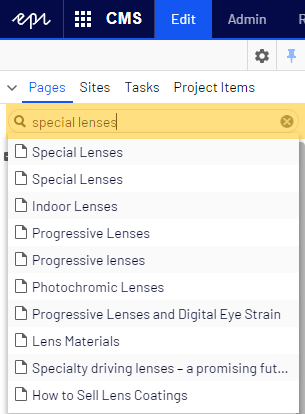
You might see duplicate entries, which means the same page name has been used multiple times (across multiple websites for example).
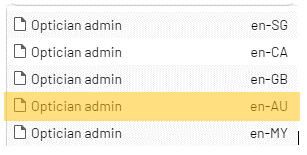
If you’re looking for a country specific page, you can find the country code in the URL you’ve been given, which will also be displayed in the search results. If it’s blank, it’s the default language (EN).
For example: https://www.hoyavision.com/au/optician-admin